Hadria PowerPoint Template: Elevate Your Next Presentation
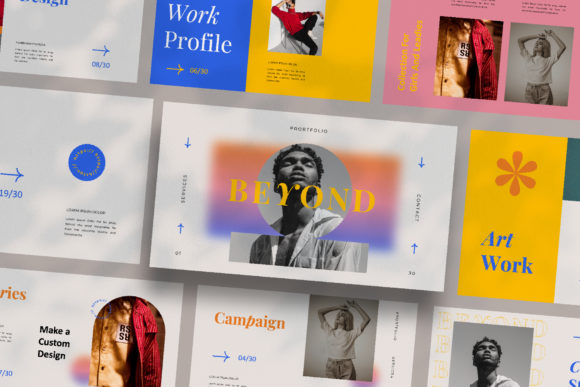
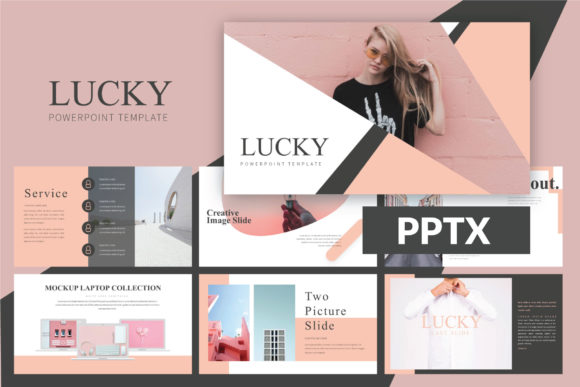
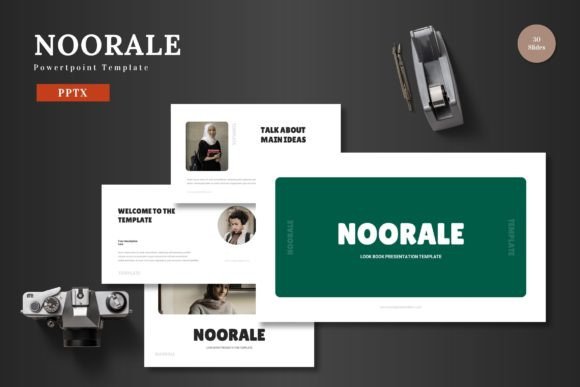
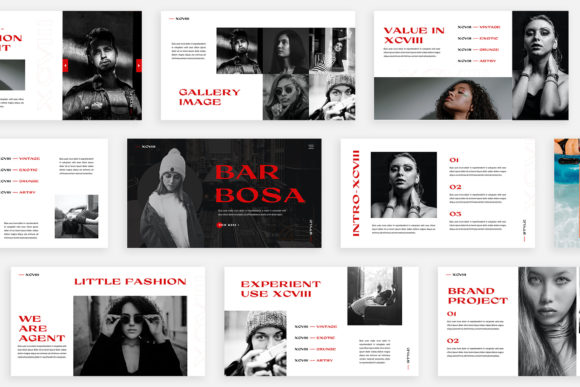
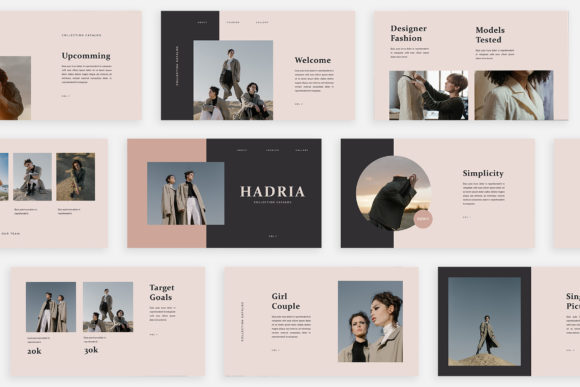
Imagine a presentation that feels less like a slide deck and more like a curated visual experience. The Hadria PowerPoint Template is designed to break the monotonous grid of standard layouts, offering a fresh, magazine-inspired approach for digital media, marketing pitches, or client proposals. Each of its 30 slides is uniquely crafted, ensuring your content is always presented in a visually engaging and professional manner.
A Unique Foundation for Visual Storytelling
What sets Hadria apart is its commitment to originality. Instead of recycling a single layout, each slide provides a distinct composition, giving you the creative flexibility to structure your narrative exactly how you envision it. This is perfect for editorial design presentations, brand identity showcases, or detailed project proposals where visual variety keeps your audience engaged. The lookbook and magazine style layouts are particularly effective for displaying photography, product shots, or portfolio pieces.
Designed for Efficiency and Polish
Hadria is built with practicality at its core. Using Slidemaster, it allows for intuitive customization—simply drag and drop your images into the placeholders. The template features a unique theme color system with an automatic color change function, making it easy to adapt the entire palette to match your brand identity in seconds. With a high-resolution 1920×1080 pixel canvas, your presentations will look sharp and professional on any screen.
- PPTX File compatible with Microsoft PowerPoint.
- 30 Unique Slides providing ample space for detailed content.
- Fully Editable elements for complete creative control.
- Free Font Used with a link provided in the instruction PDF for easy sourcing.
Practical Applications Across Industries
The versatility of the Hadria template makes it a valuable design asset for numerous scenarios. Marketing teams can use it for compelling campaign overviews, while entrepreneurs can craft persuasive pitches for investors or business partners. Its clean, modern aesthetic is also ideal for internal reports, workshop materials, or educational content. The magazine style layout excels at presenting social media graphics mockups, packaging design concepts, or poster design campaigns in a cohesive, story-driven format.
Tips for Maximizing Your Template
To get the most out of Hadria, consider a few best practices. First, leverage the picture placeholder feature to maintain consistent image sizing and alignment throughout your deck. Second, while the automatic color change is powerful, test your chosen palette for readability, especially on text-heavy slides. Finally, think of the template as a flexible framework; don’t hesitate to rearrange elements or combine layouts from different slides to best serve your specific content flow. This approach helps in creating a truly professional presentation that feels custom-made.
Choosing the right template is about more than just aesthetics; it’s about finding a tool that enhances your communication. The Hadria PowerPoint Template provides a premium, neat concept that elevates the standard of your visual storytelling. By offering both unique design and practical functionality, it helps ensure your ideas are presented with the clarity, sophistication, and impact they deserve, making every project look polished and intentional.